AI Coding Tools Tier List 2026 - Claude Code vs GitHub Copilot vs ChatGPT
S-tier to C-tier ranking of 2026 AI coding assistants. Compare Claude Code, GitHub Copilot, ChatGPT and more by performance, pricing, and real-world developer experience.
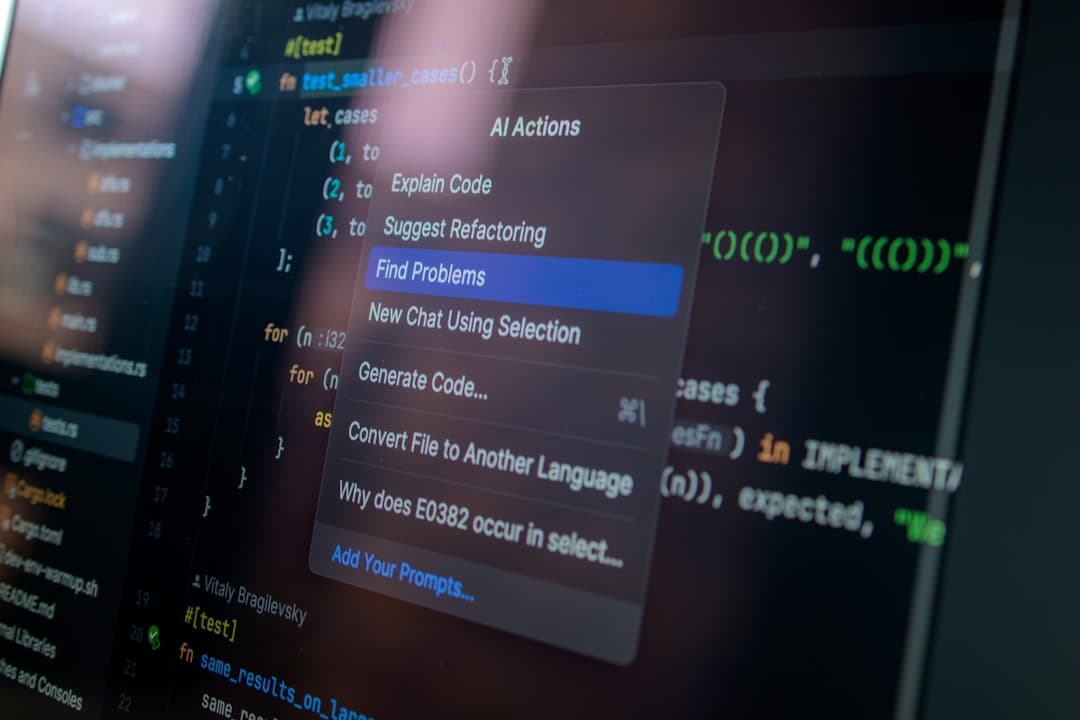
AI Coding Tool Tier List - Claude Code vs GitHub Copilot vs ChatGPT
It's now commonplace to see intense interest in AI coding tools within the developer community. Honestly, just a few years ago, would we have imagined code auto-completion at this level? AI coding tools have brought revolutionary changes to the development process, improving productivity, accelerating learning, and enhancing code quality. However, many are struggling to choose the right tool amidst the numerous options. Therefore, today we'll examine the hottest AI coding tools as of 2026, categorized by tier. We hope this article will help you make informed choices.
S-Tier: Innovation Beyond Productivity
Tools in this tier are redefining the development workflow, going beyond simple code auto-completion. They both noticeably enhance the acquisition of new technologies and problem-solving skills.
1. Claude Code
This is the tool that has generated the most buzz recently. Developed by OpenAI, the same company that created ChatGPT, its natural language processing capabilities are unmatched. In addition to existing code explanations and bug fix suggestions, it excels at complex code generation. It possesses considerable ability to read and understand large codebases, recommending accurate and context-appropriate code based on the context.
- Price: $20 per month (currently a promotional period, price may vary)
- Pros: Exceptional natural language understanding, refined code generation, outstanding context awareness
- Cons: Korean language support is not yet perfect. Token limits may occur with heavy usage.
- Recommended for: Experienced developers working on complex projects, developers who need to invest significant time in code generation and maintenance
[IMAGE: Claude Code | https://claude.ai]
2. Cursor
Cursor is another powerful tool in the S-Tier. It provides powerful features comparable to those of VS Code, offering integrated AI-based code auto-completion, debugging, code review, and testing. A notable feature is that it has optimized code generation speed and accuracy through its own developed AI model.
- Price: $30 per month (includes team collaboration features)
- Pros: Provides integrated development environment (IDE)-level functionality, fast code generation speed, powerful debugging and testing features
- Cons: Relatively high price, initial setup and learning curve exist
- Recommended for: Development teams seeking maximum productivity, developers who need to proceed quickly in complex projects
A-Tier: Solid Performance and Broad Application
Tools in the A-Tier have already been validated by many developers and offer a high level of productivity. While there are drawbacks, they are generally sufficient to meet most development requirements.
1. GitHub Copilot
Copilot, provided by Microsoft’s GitHub, offers excellent usability due to its IDE integration. It's based on the GPT-5.2 Codex model, but as of 2026, it offers Claude Opus 4.5 and Gemini 3 Pro models as options, further enhancing performance. The automated PR generation feature, in particular, makes code management much more efficient. Concerns about copyright existed previously, but the license policy has since been improved, allowing for relatively safe use.
- Price: $10 per month (individual), $19 per month (team)
- Pros: IDE integration, ease of use, automated PR generation, diverse code base learning
- Cons: Occasionally suggests inaccurate or irrelevant code, dependency on code quality
- Recommended for: Developers working on a variety of projects, developers familiar with IDE environments
[IMAGE: GitHub Copilot | https://github.com/features/copilot]
2. ChatGPT Plus
ChatGPT Plus is OpenAI's paid subscription service that provides access to the latest models (GPT-5.2). Its coding capabilities are somewhat lacking compared to GitHub Copilot, but its natural language processing capabilities remain outstanding, making it useful for various tasks such as code explanation, documentation writing, and problem-solving. The chatbot format is particularly useful when you need to ask questions about or explain code.
- Price: $20 per month
- Pros: Outstanding natural language processing capabilities, versatile applicability, chatbot-style convenience
- Cons: Coding capabilities are less than Copilot, sometimes provides inaccurate answers
- Recommended for: Developers who need to spend a lot of time explaining code and writing documentation, developers who want immediate answers to coding-related questions
B-Tier: Good Value Options
Tools in this tier offer basic coding support features at a free or low price. However, their performance is somewhat lower than that of S-Tier or A-Tier tools.
- Codeium - Offers a free tier, providing features similar to Copilot
- Tabnine - Offers a free tier and supports various IDEs
C-Tier: Tools for Beginners
Tools in this tier help coding beginners experience basic code auto-completion features. However, their functionality is limited when working on complex projects.
- Kite - Free, Python code auto-completion
Honestly, the AI coding tool market is changing very quickly. Tools that held the top spot just six months ago may have fallen in tier due to the release of new models and increased competition. Therefore, rather than a rigid tier assessment, it is important to choose a tool that suits your development style and project specifics. Try using several tools and comparing them to find the one that best suits you.
Disclaimer: This article is for informational purposes only and does not constitute investment advice. Investment decisions should be made based on your own judgment and responsibility.